Cactus Texture cursor
175Free
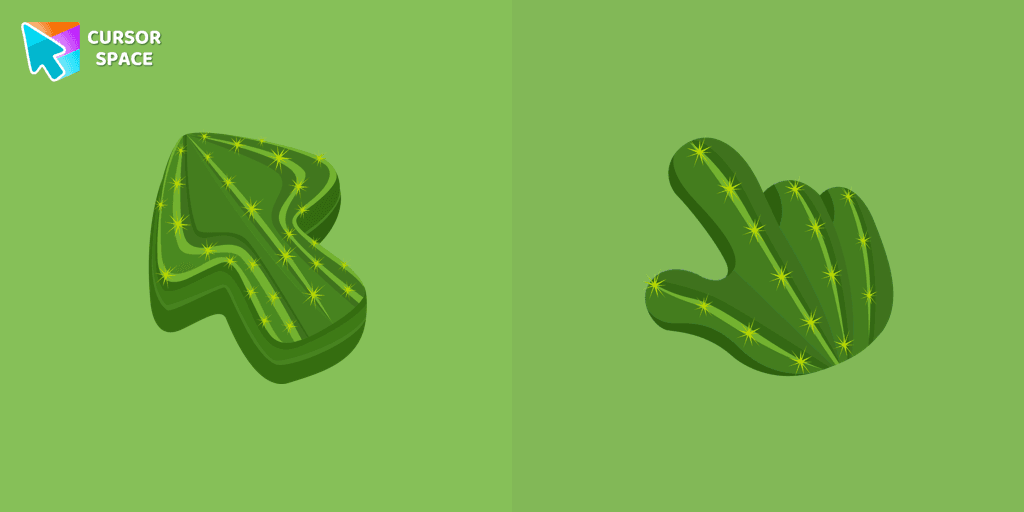
Explore the beauty of desert plants on your screen with our cactus custom cursor for Google Chrome. This custom cursor adds charm and a touch of nature.
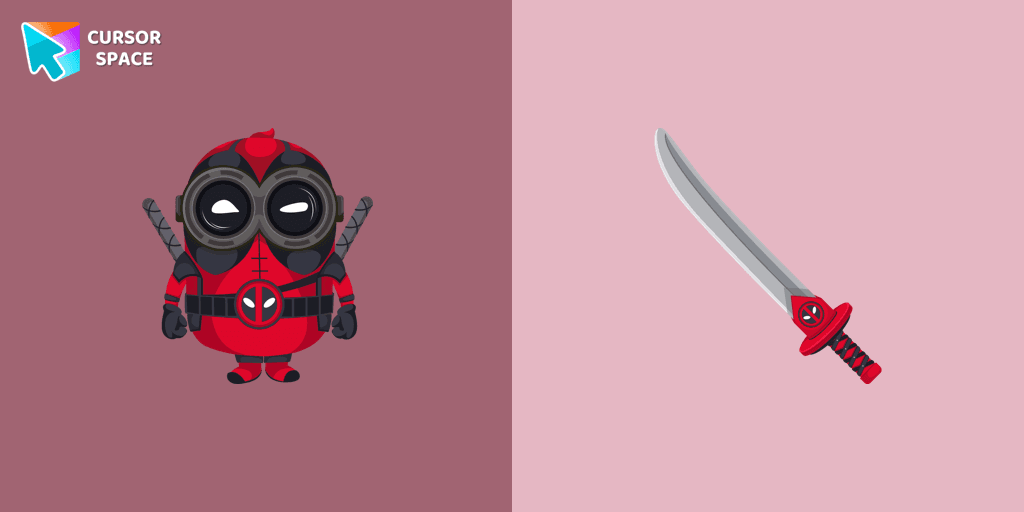
Upgrade your browsing experience with the Minion Deadpool Character custom cursor for Google Chrome! This animated cursor combines the chaotic energy of Minions with the sharp wit and fearless attitude of Deadpool, making it the perfect choice for fans of both franchises. Whether you're scrolling through pages or navigating tabs, this cartoon cursor adds an extra layer of fun and personality to your mouse pointer.
Designed for those who love colorful cursors and themed cursors, this character cursor brings together two iconic worlds—Marvel’s legendary anti-hero and the mischievous yellow Minions. The combination of Deadpool’s red suit, weapons, and signature attitude with the Minions’ goofy expressions and playful nature creates an unforgettable fantasy cursor that stands out on any screen.
More than just a fun cursor, it’s a nostalgic throwback to childhood cartoons, superhero movies, and pop culture icons. Whether you enjoy retro cursors, magic-style designs, or simply want something that makes you smile, this is a must-have addition to your browser cursors collection.
Don’t settle for a boring mouse pointer! Add a touch of superhero action and comedy to your browsing with the Minion Deadpool Character custom cursor. Try it now and let your inner hero (or prankster) shine!
Install the Cursor Space extension for Chrome or Cursor Space for Edge in your browser.
On this page, click "Add this cursor pack to the extension".
Open the extension and go to the Packs tab.
Find the custom cursor pack "Minion Deadpool Character cursor" and click it.
Enjoy!
Get this cursor pack and thousands of others by installing our extension. It's fast and free!
Minion Deadpool Character Cursor is a themed cursor pack you can add to your browser to personalize your pointer across common cursor states (default and pointer). Use it for everyday browsing, streaming, studying, or gaming-anywhere you want your cursor to match your vibe.
See how the cursors look before installing.
Add the pack to the extension in a few clicks.
Designed for Chrome and Edge via the extension.
Quick answers to common questions about cursor packs, collections, and installation.
Yes. To apply cursor packs in Chrome or Edge, install the Cursor Space extension and add this pack to it.
Cursor packs are designed for Chromium browsers like Chrome and Microsoft Edge.
Open the extension, choose another pack or disable the current one to return to your default cursor.
Custom cursor and packs - neon, anime, pixel art. Quickly add to Chrome and Microsoft Edge for free
Explore the beauty of desert plants on your screen with our cactus custom cursor for Google Chrome. This custom cursor adds charm and a touch of nature.
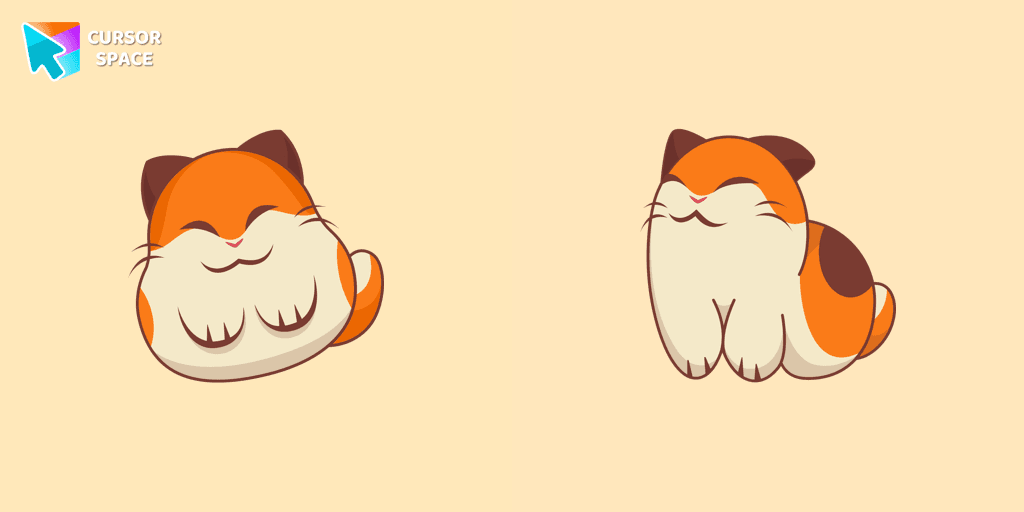
Nago, one of Kirby's animal friends, is a round and plump Japanese Bobtail. Originally designed for the game,
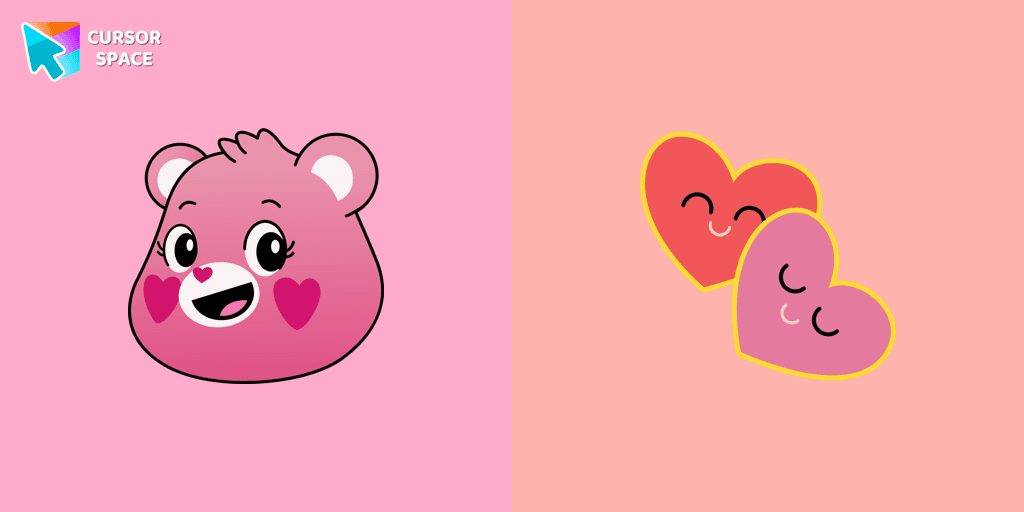
The Love-a-lot Bear custom cursor from our custom cursors collection for Chrome.
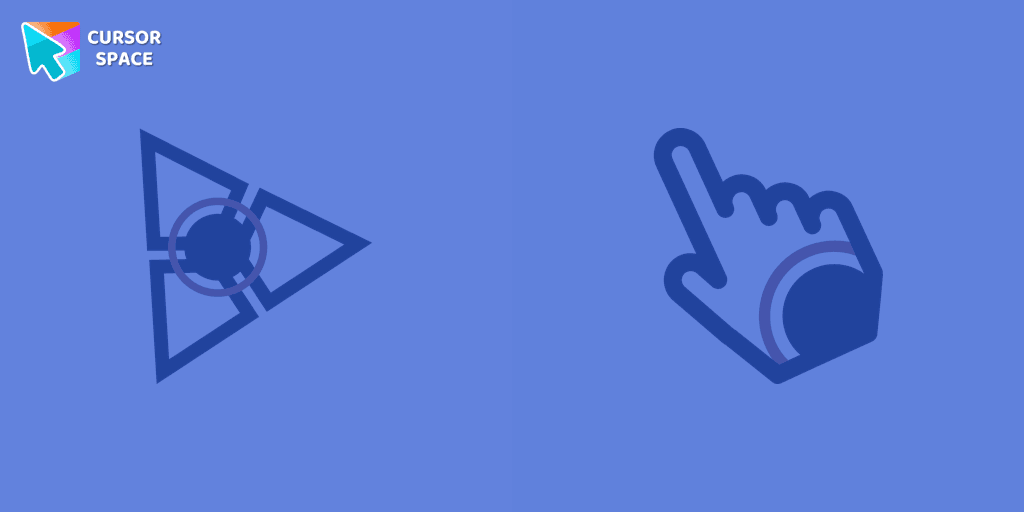
The Spinner cursor is a distinctive and visually appealing choice for your mouse cursor, providing an opportunity to set yourself apart from the default cursor.
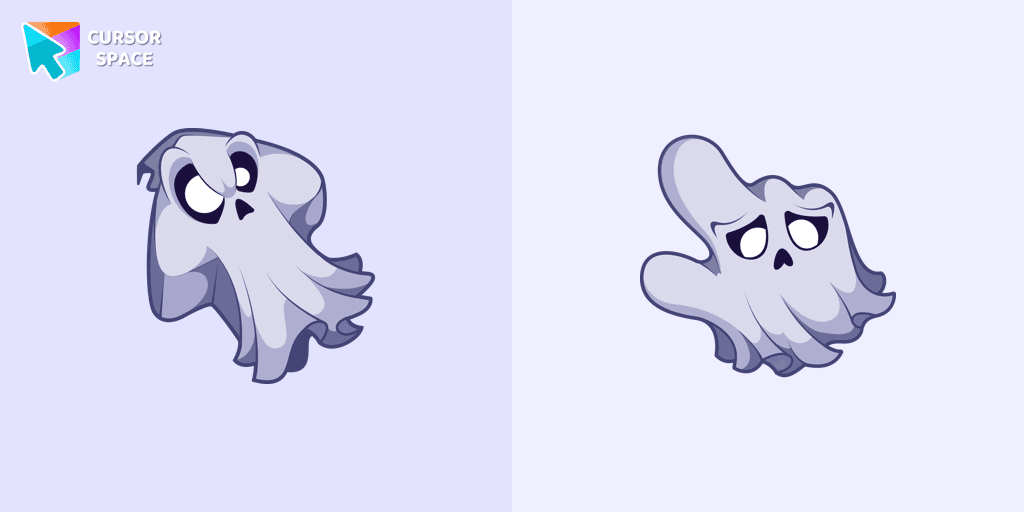
Unleash the fear with The Ghost custom cursor for Chrome. Add a spine-chilling touch to your screen and conquer your Samhainphobia!
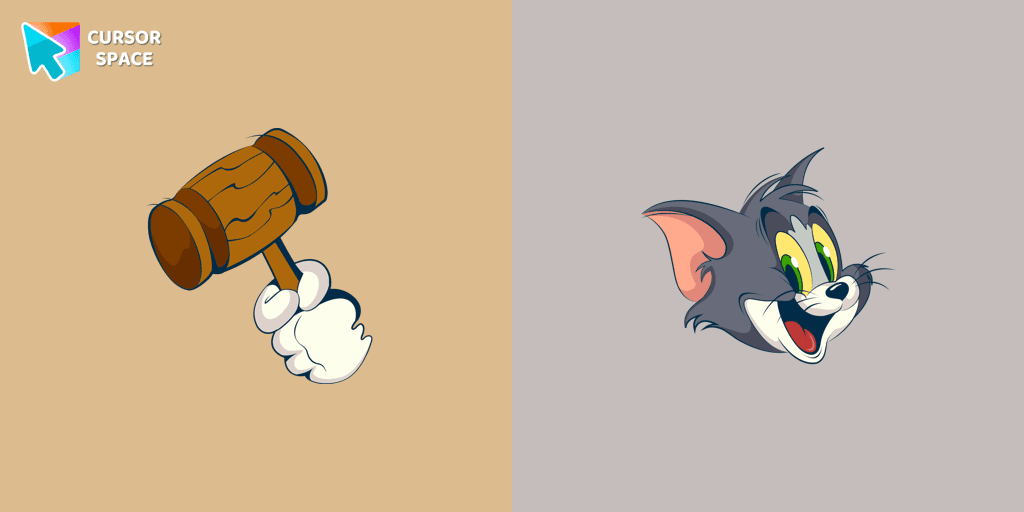
Discover joy with the happy Tom cat cursor for Chrome in our collection inspired by Tom and Jerry custom cursors for your mouse and pointers.
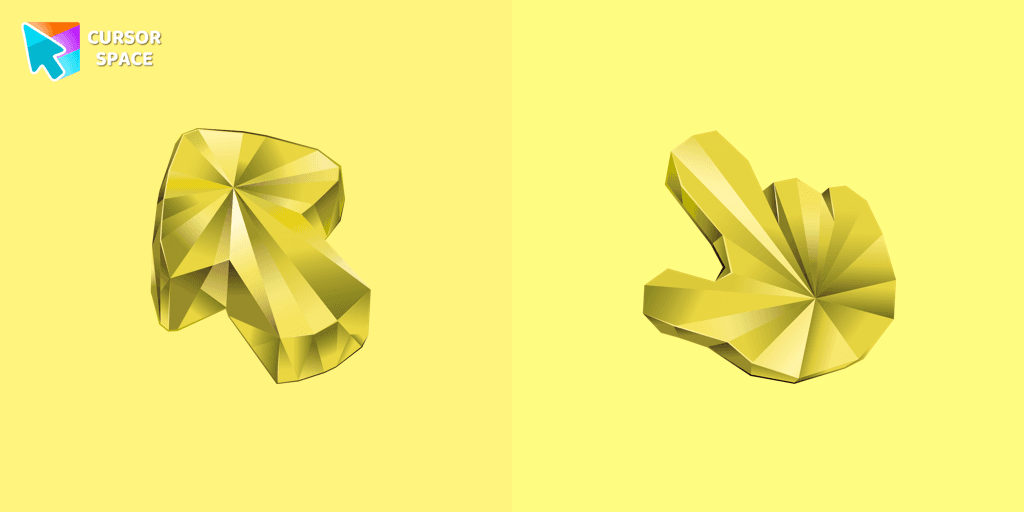
Enhance your browsing with a custom cursor for Google Chrome featuring the timeless elegance of yellow sapphire. Add sophistication and style to your screen today.
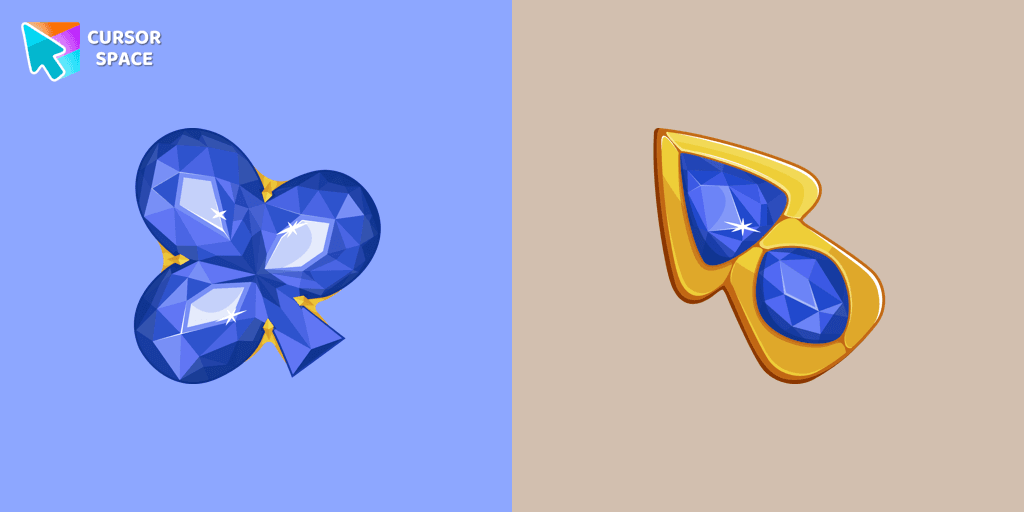
This blue cursor is the perfect choice if you're looking to add some charm and interest to your default mouse pointer.
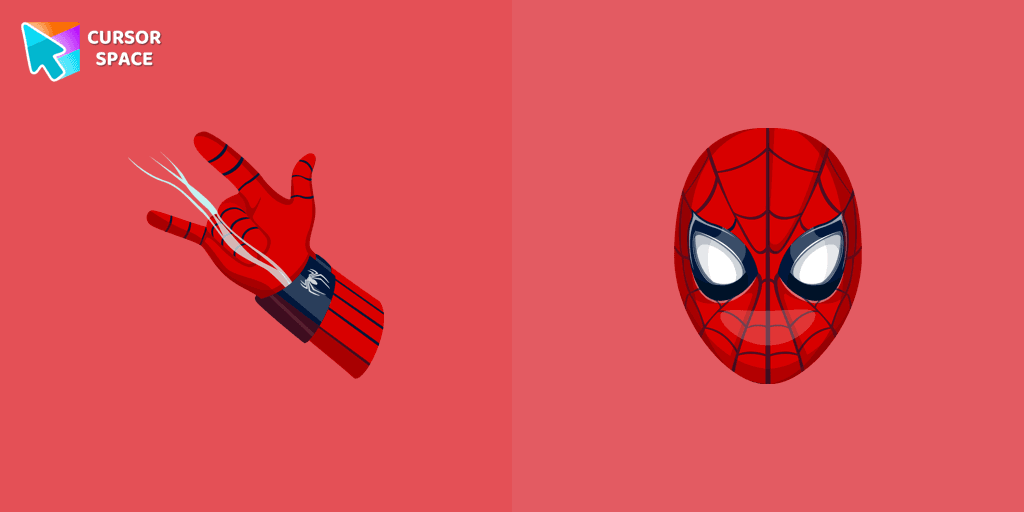
Transform your browsing with the Spiderman custom cursor for Google Chrome. Enjoy the thrilling design and web-slinging animations of this iconic superhero.
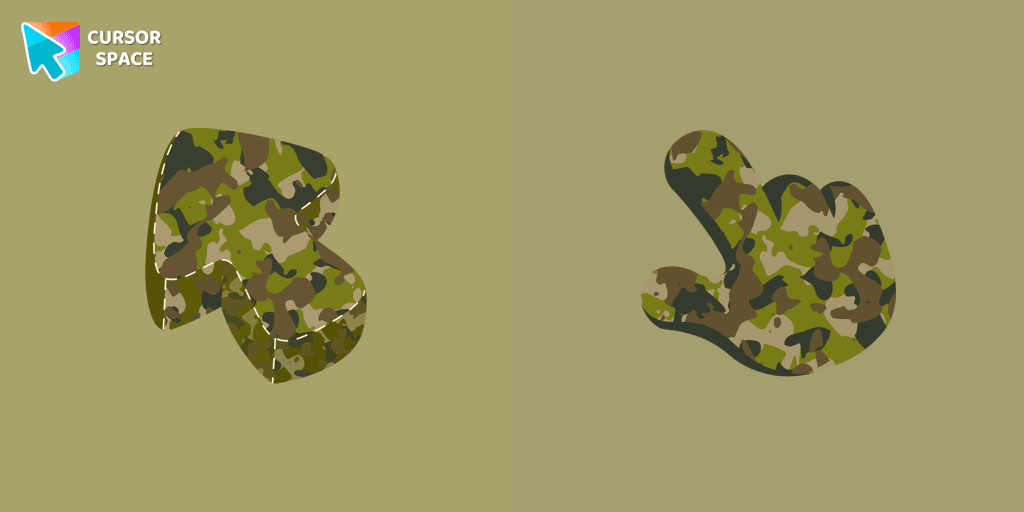
Upgrade your browsing with a formal Military Uniform Texture custom cursor for Google Chrome designed for professional settings and a refined cursor style.
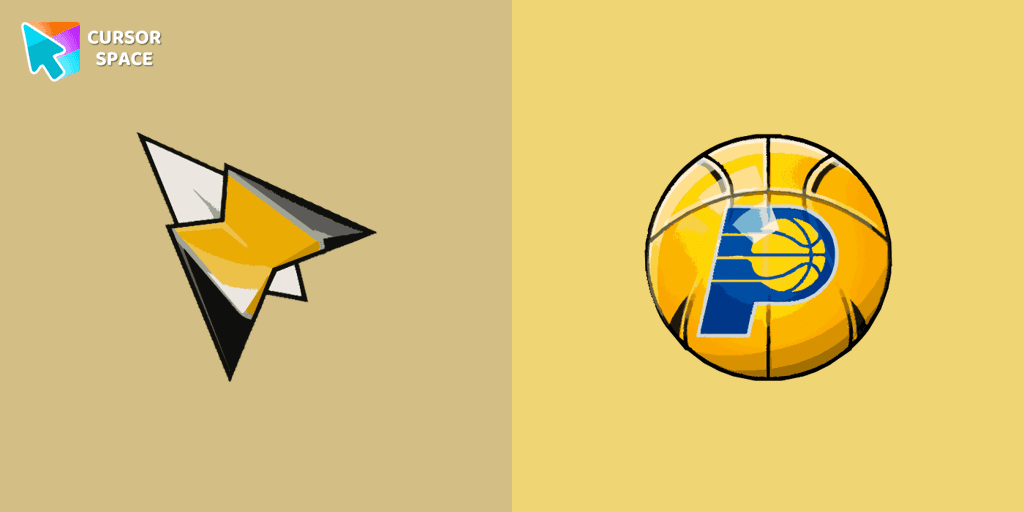
Show your team pride with the Indiana Pacers custom cursor. This custom cursor for Google Chrome features the team’s logo and colors for true fans.
A well-designed custom cursor in the form of a flying UFO, from our fantastic collection of solar system cursors with planets and space.
Installation leaders from "Minion Custom Cursor": free packs, neon/anime/pixel art, quick add to Chrome and Edge.
Add fun to your browsing with the Bob the Minion custom cursor for Google Chrome. This adorable design brings Bob’s playful charm to your screen.
Transform your browsing with a custom cursor for Google Chrome! The Minion Ninja Turtle Character cursor combines fun Minions with Ninja Turtle excitement.
Minions custom cursors collection for Chrome has various art designs skins for characters of the comics that are shown as cursors for browser.
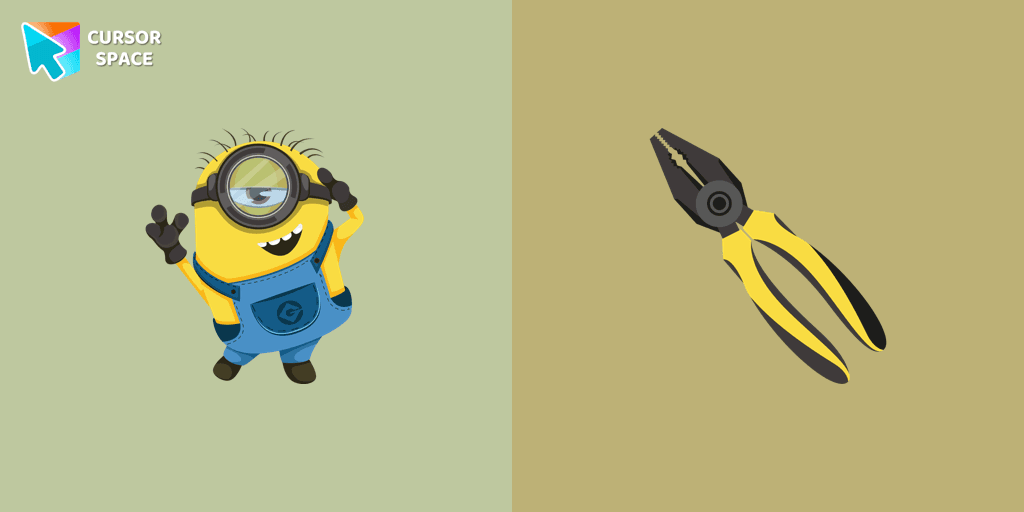
We suggest you, too, relax while surfing the web with a custom cursor with Stuart the Minion.
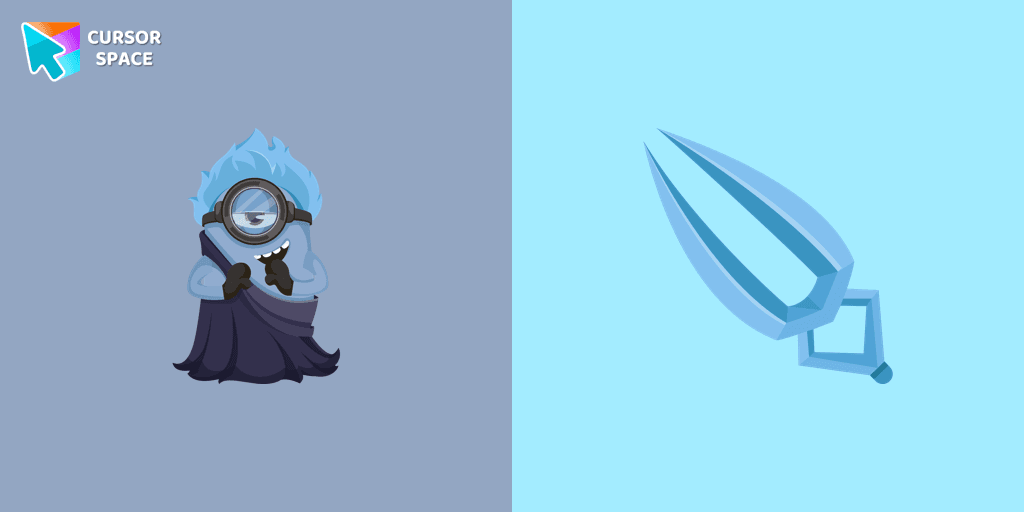
In our cute custom cursors collection with Minions, we depicted the Minion Hades as a custom cursor for the browser in beautiful graphics.
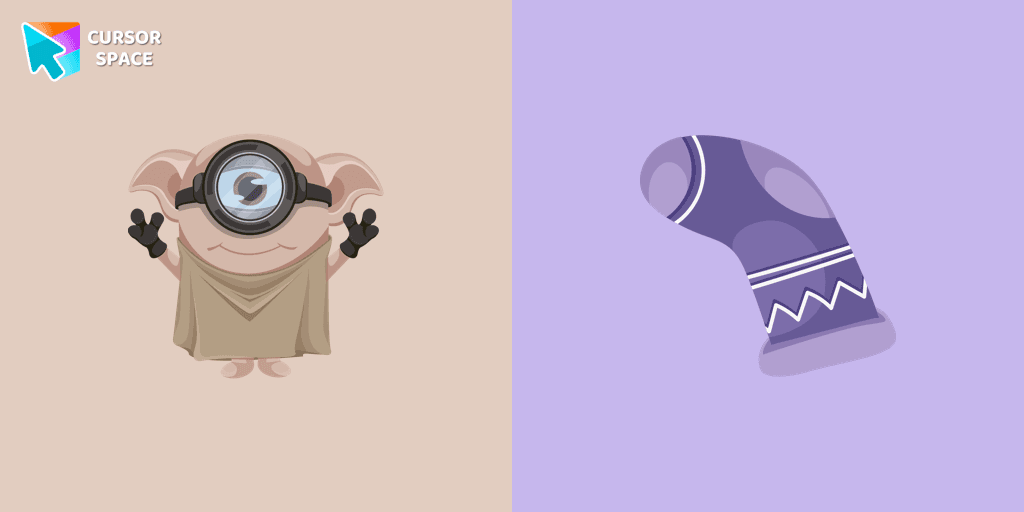
Cute Minion Dobby the house-elf cursor and pointer in our magic custom cursors collection with Minions.
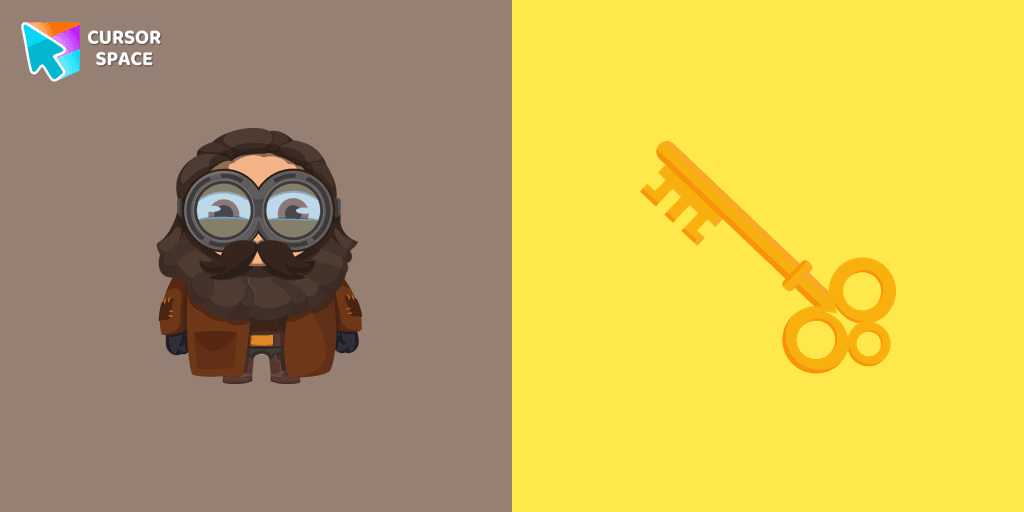
Well-designed Minion Rubeus Hagrid from Minions custom cursors collection for mouse and pointer.
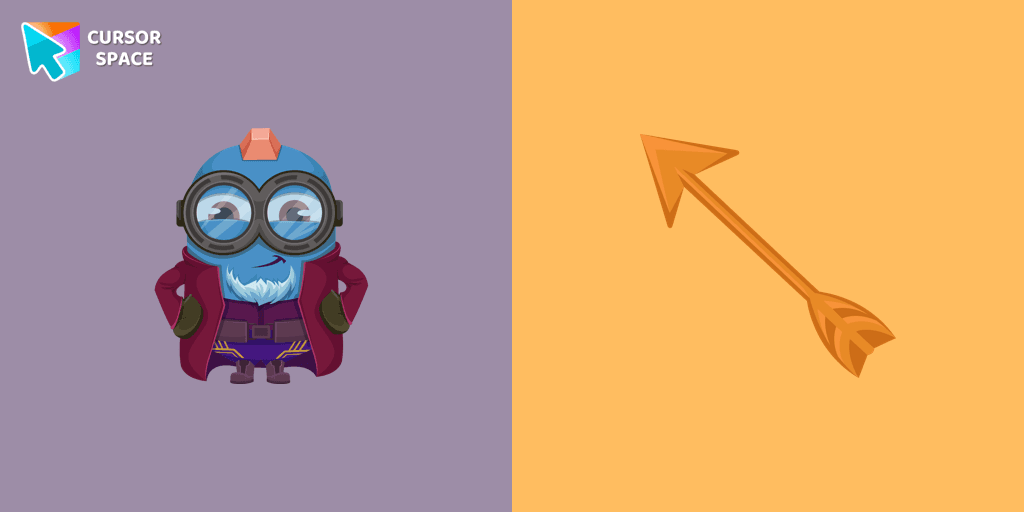
Meet the Minion Yondu cursor for Chrome in a custom cursors collection with Minions for mouse and pointers.
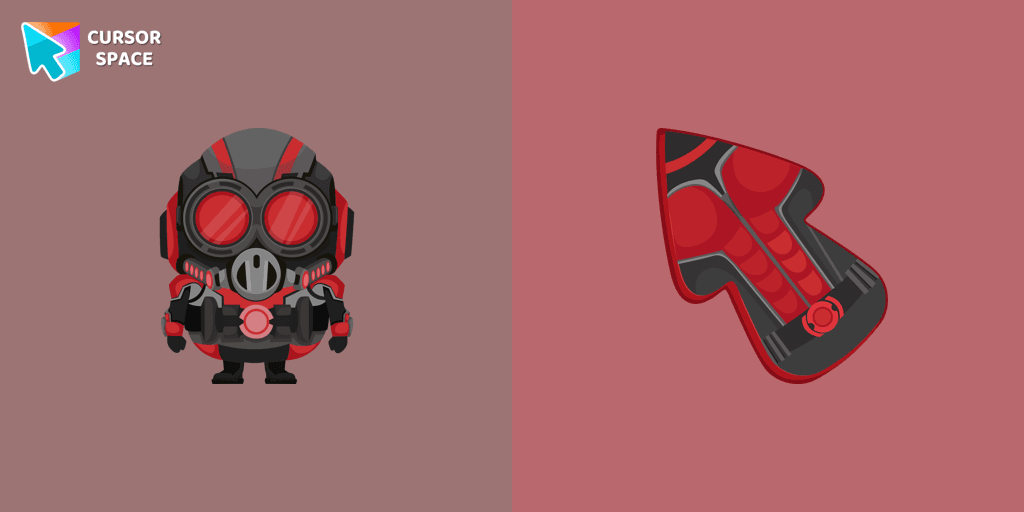
Add a custom cursor with Minion Ant-Man from our adorable custom cursors collection with Minions.
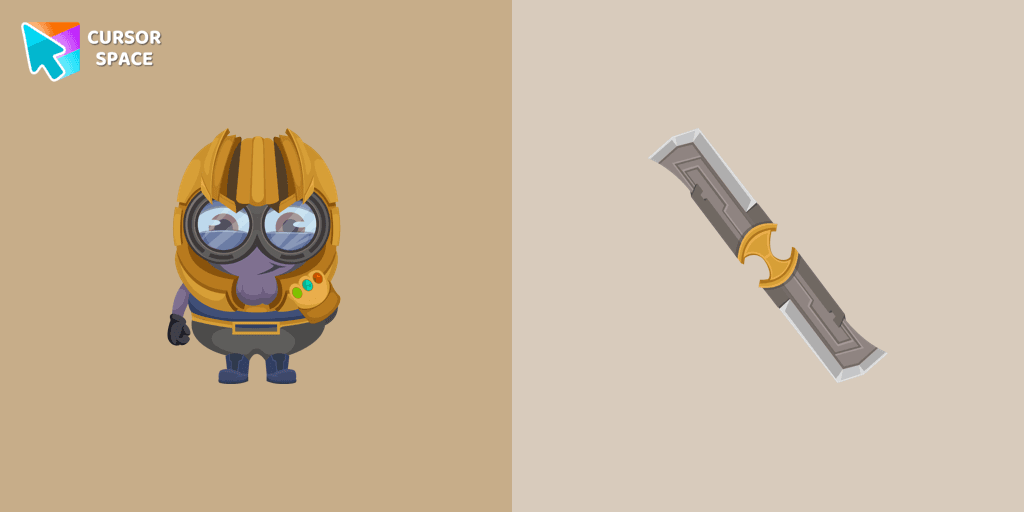
Well-designed custom cursor with a Minion Thanos in our fantastic Minions custom cursors collection for Chrome.
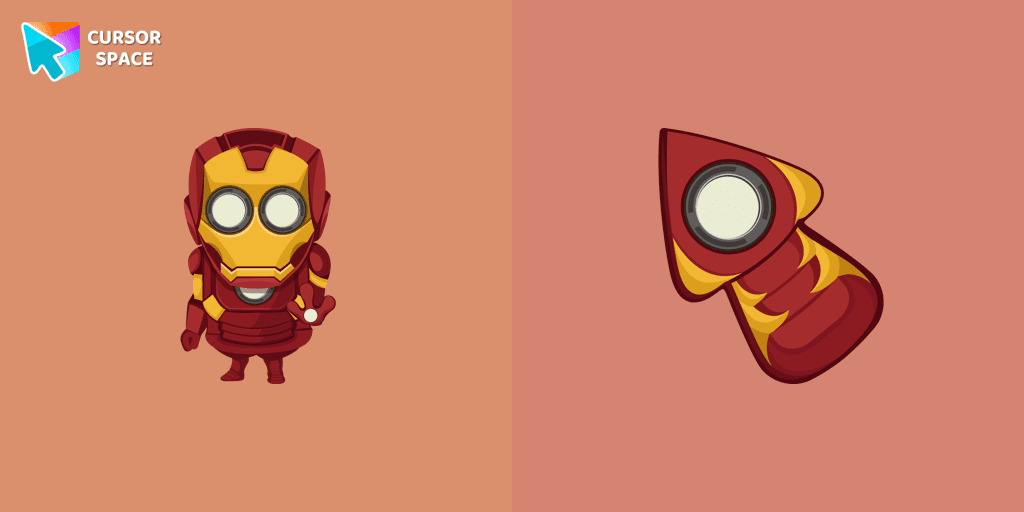
Well-designed Minion Iron Man custom cursor in our fantastic Minions custom cursors collection for mouse and pointer.
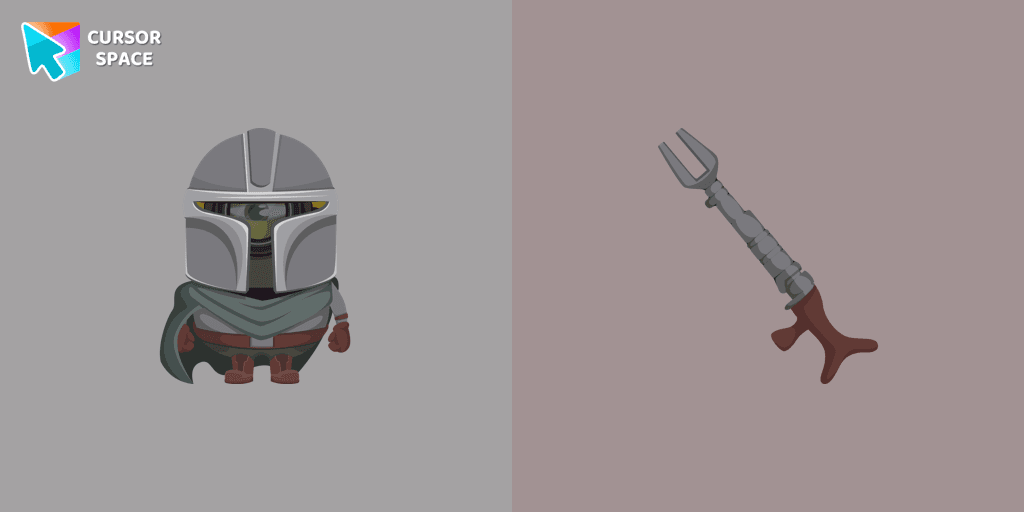
Minion Mandalorian Character cursor and pointer in our adorable custom cursors collection with Minions.
Add packs instantly and unlock access to thousands of cursors: neon, anime, pixel-art, and more. Fast, safe, and free.
Cursor Space is an extension for changing your mouse cursor in Chrome and Edge browsers: themed collections, HiDPI icons, neon, animated, and pixel cursors, with quick installation.